Coros Dura 2 Solar First Impressions: Bigger Screen, Long Battery Life
The Dura 2 pairs a sharper 3.5-inch screen and excellent offline rerouting with claimed 120-hour battery life, while some features and fixes are still pending.

Coros’s Dura 2 Solar makes a strong case for long bike tours: it combines a much larger, sharper screen with battery life rated at up to 120 hours. After about ten days of riding and setup, the hardware feels like a clear step up from the original Dura. But the new $499 device-only price, unfinished features and a map-orientation bug make this an early read, not a final verdict.
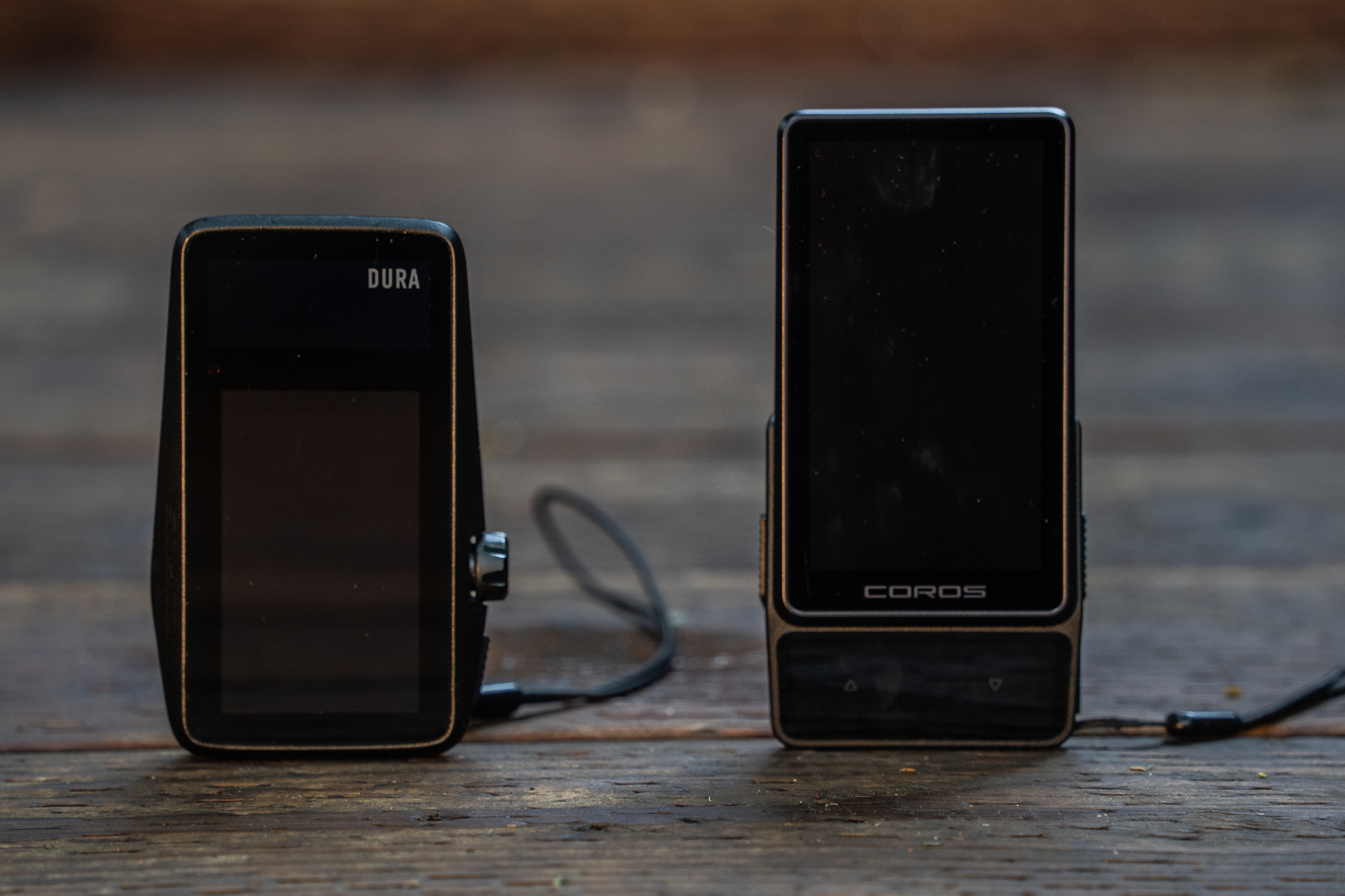
The original Dura Solar arrived in 2024 with an unusually lean approach to power use. Its memory-in-pixel (MIP) screen refreshes only the pixels that change, helping Coros claim 120 hours of operation on a charge, with solar input potentially extending that time. Despite a relatively small battery, that endurance helped distinguish it from bike computers that measure their runtime in hours. A rotating control knob and a 2.7-inch screen rounded out a device priced at $250.


Software issues held the first model back at launch, though updates added features and improved the experience over time. The Dura 2 now replaces it outright, moving Coros into a higher price bracket alongside premium devices from Wahoo, Hammerhead and Garmin. The new unit costs $499 without a mount or $549 with an alloy mount. That’s more than twice the original’s price, so the larger display and design improvements need to earn their keep.

What changed
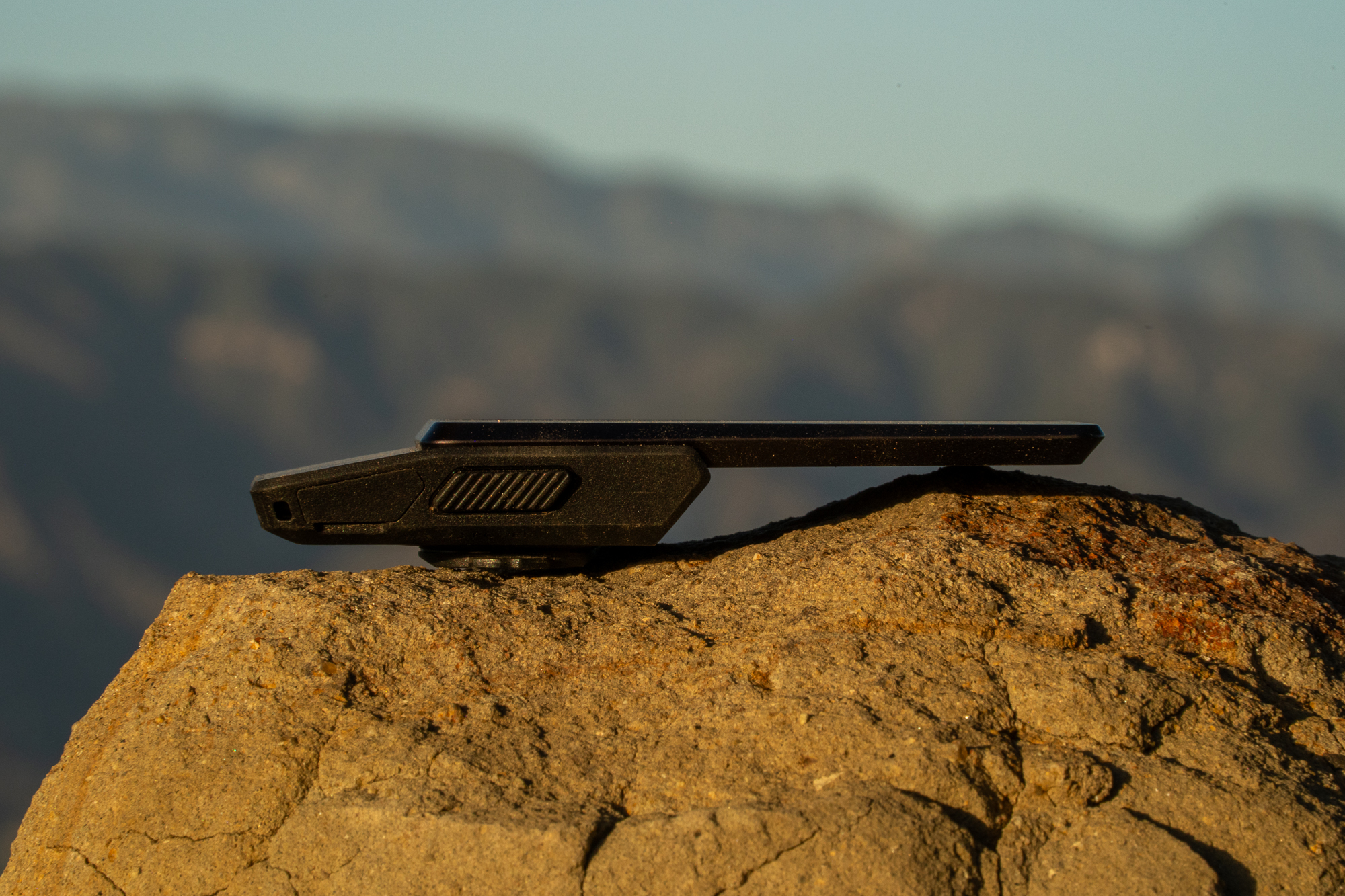
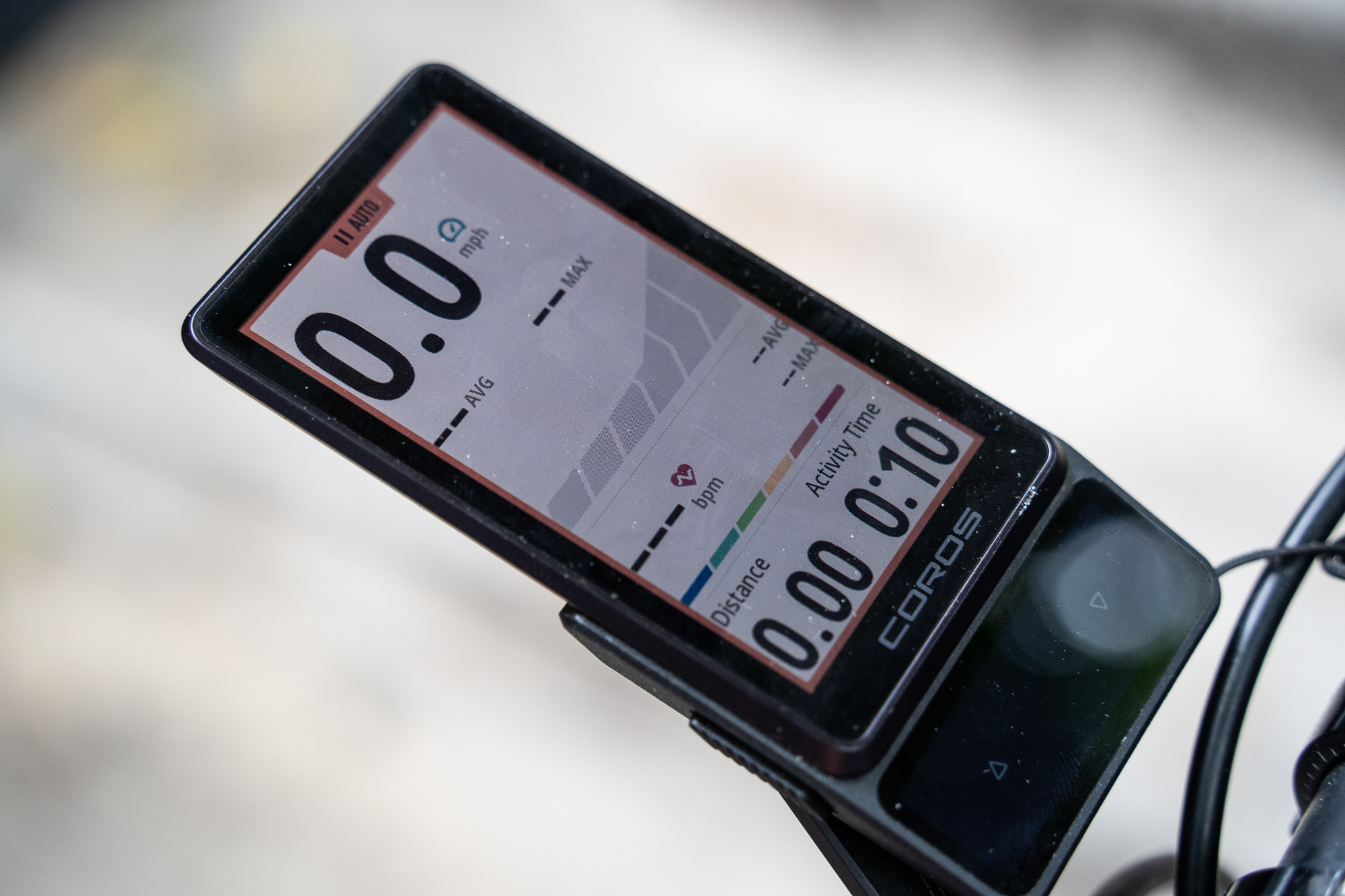
The Dura 2’s 3.5-inch display has a resolution of 336 by 620 pixels and refreshes at 38 hertz. The original’s screen measured 2.7 inches, with a resolution of 240 by 400. Coros says the new display provides 63% more screen area, while the device remains close to the same weight: 100 grams. Its overall footprint is 115 by 55 millimeters, with part of the body just 5.7 millimeters thick.
The MIP technology remains, as does the headline endurance claim: up to 120 hours in standard use and 70 hours in dual-frequency mode. Coros also claims that an hour of direct sunlight adds two hours of runtime. The company hasn’t disclosed the battery’s exact capacity. After several long rides at full brightness and time spent configuring the device, the test unit had used less than 40% of its charge across roughly ten days of near-continuous operation, including restarts. That’s encouraging, though it doesn’t amount to a full battery test.
The reviewer’s early impression is that the Dura 2 drains slightly faster than the original under similar conditions, but not by much. It still looks capable of covering a week-long tour without needing a wall outlet. When charging is needed, the small battery reportedly refills quickly. The device has an IP67 waterproof rating.
Controls for gloves and wet rides
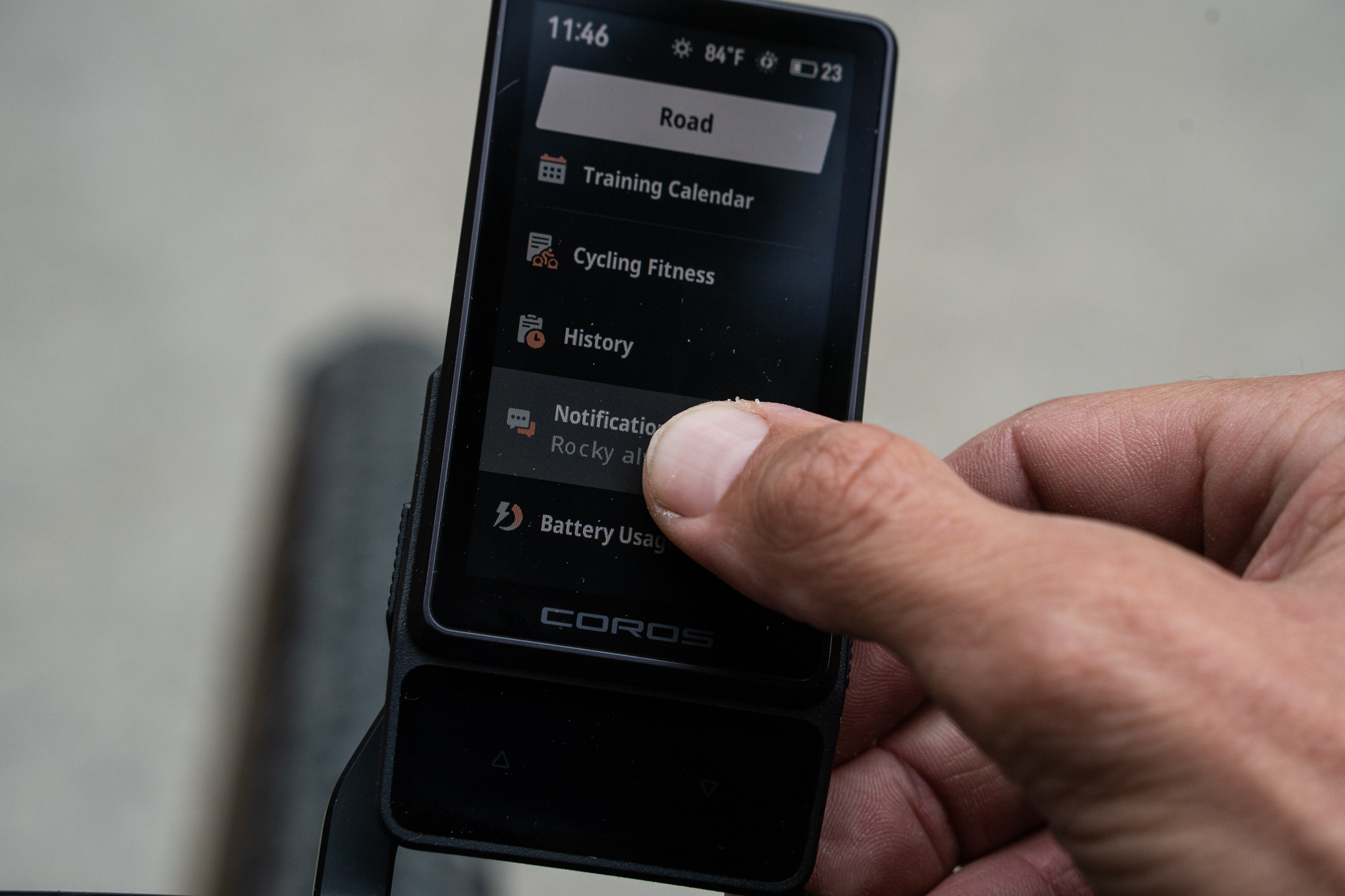
Coros has replaced the original’s divisive rotating knob with two prominent side buttons and two haptic controls on the face. The right side button acts as an enter control; the left goes back or cancels, and a long press opens voice control. The face buttons scroll through data pages. They’re resistive, so they respond to pressure rather than skin contact, and worked reliably with gloves and in rain during the test.

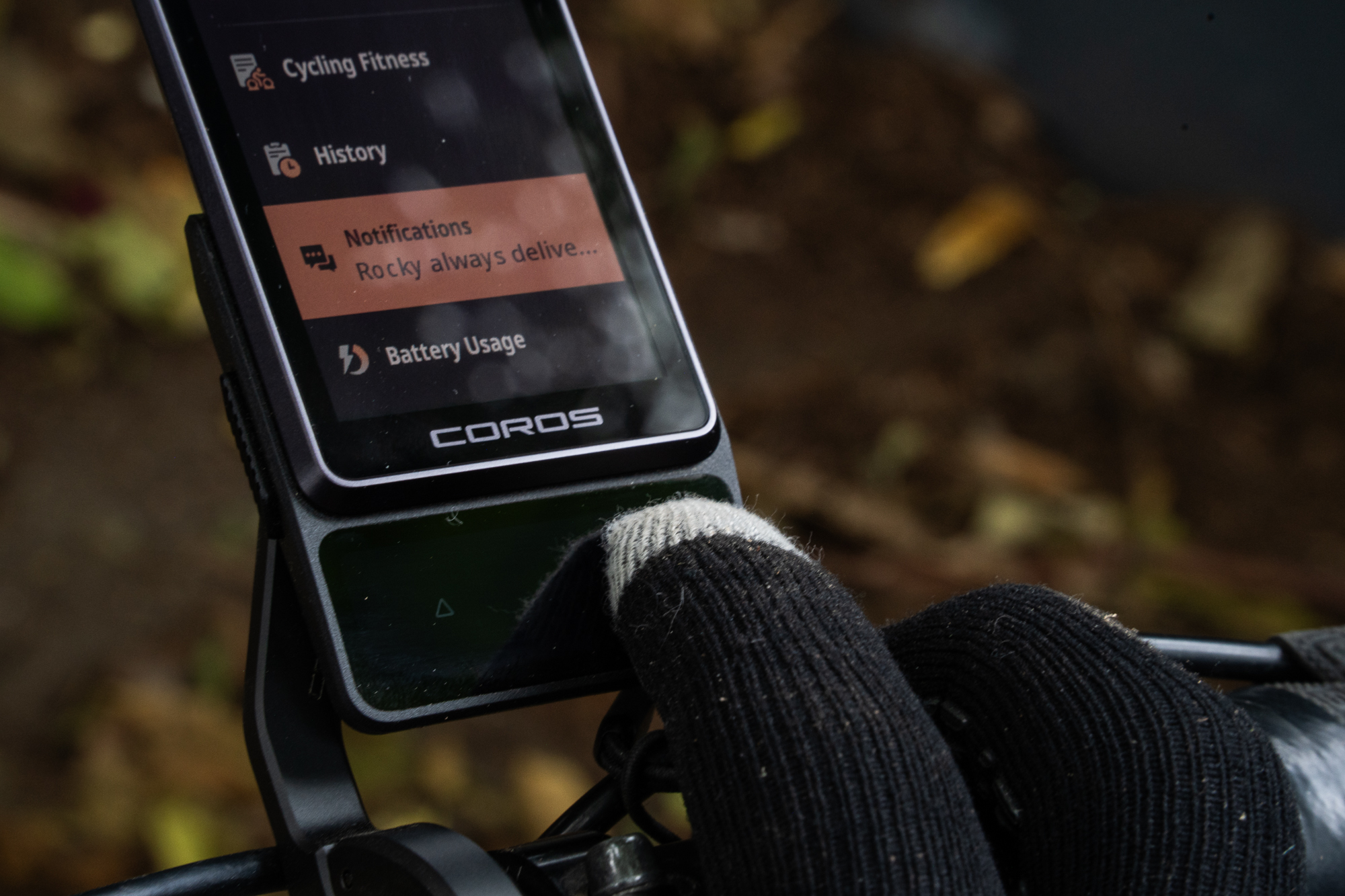
The haptic feedback is off by default, but turning it on makes it easier to judge how firmly to press. The side buttons require a deliberate push, reducing the chance of accidentally starting, stopping or pausing an activity. Most of the device can be operated without touching the screen, a useful option when riding in gloves or handling rain. Choosing an activity before starting is the one operation that requires a touchscreen tap.
Touch response is close to a phone’s for basic taps, though scrolling shows a slight visual stutter. In wet conditions, droplets eventually interfere with taps and swipes; wiping the screen clear restored operation. The only unintended touch action in testing was an occasional ring from the new digital bike bell, which is normally activated by a double tap.
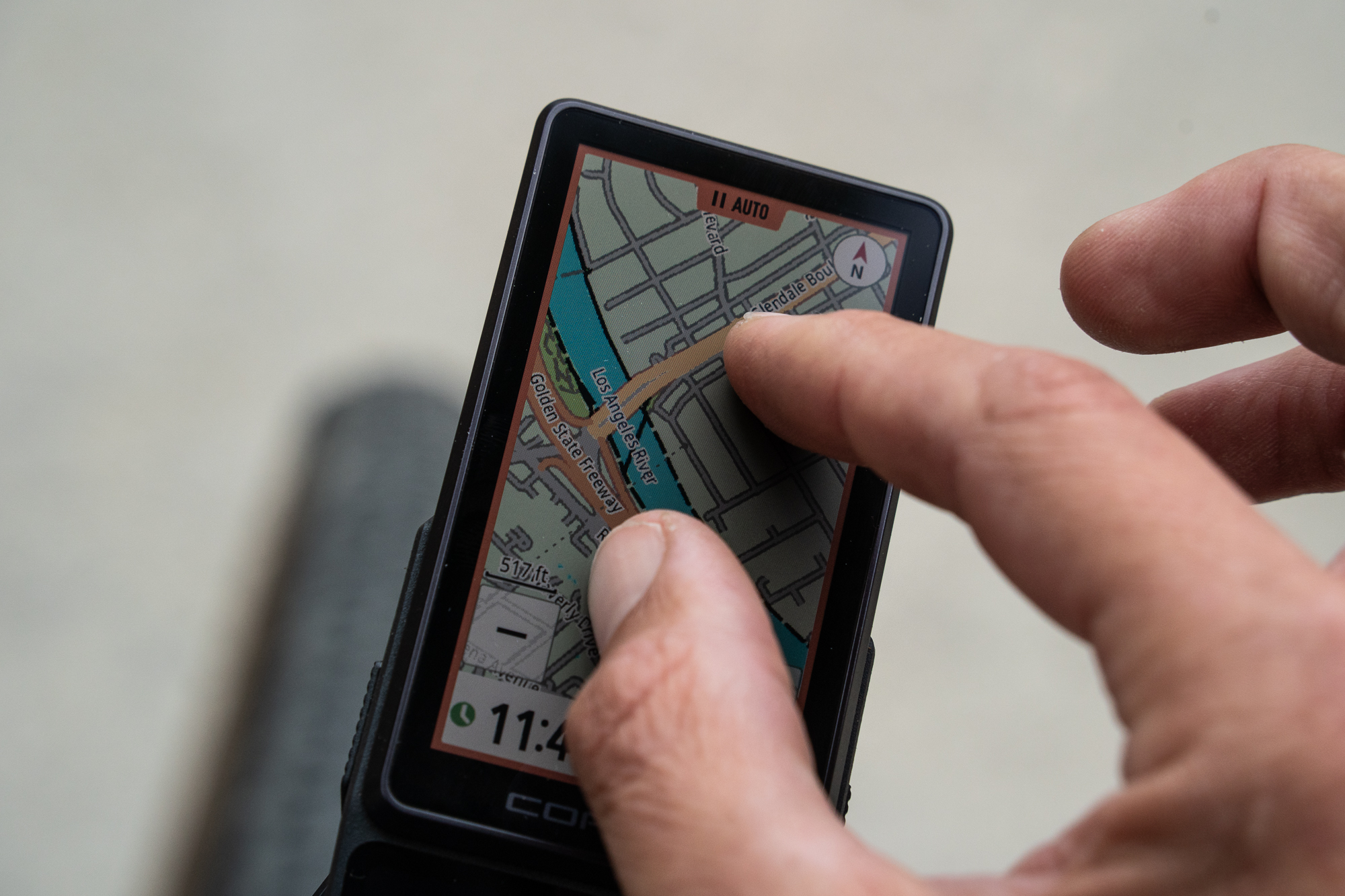
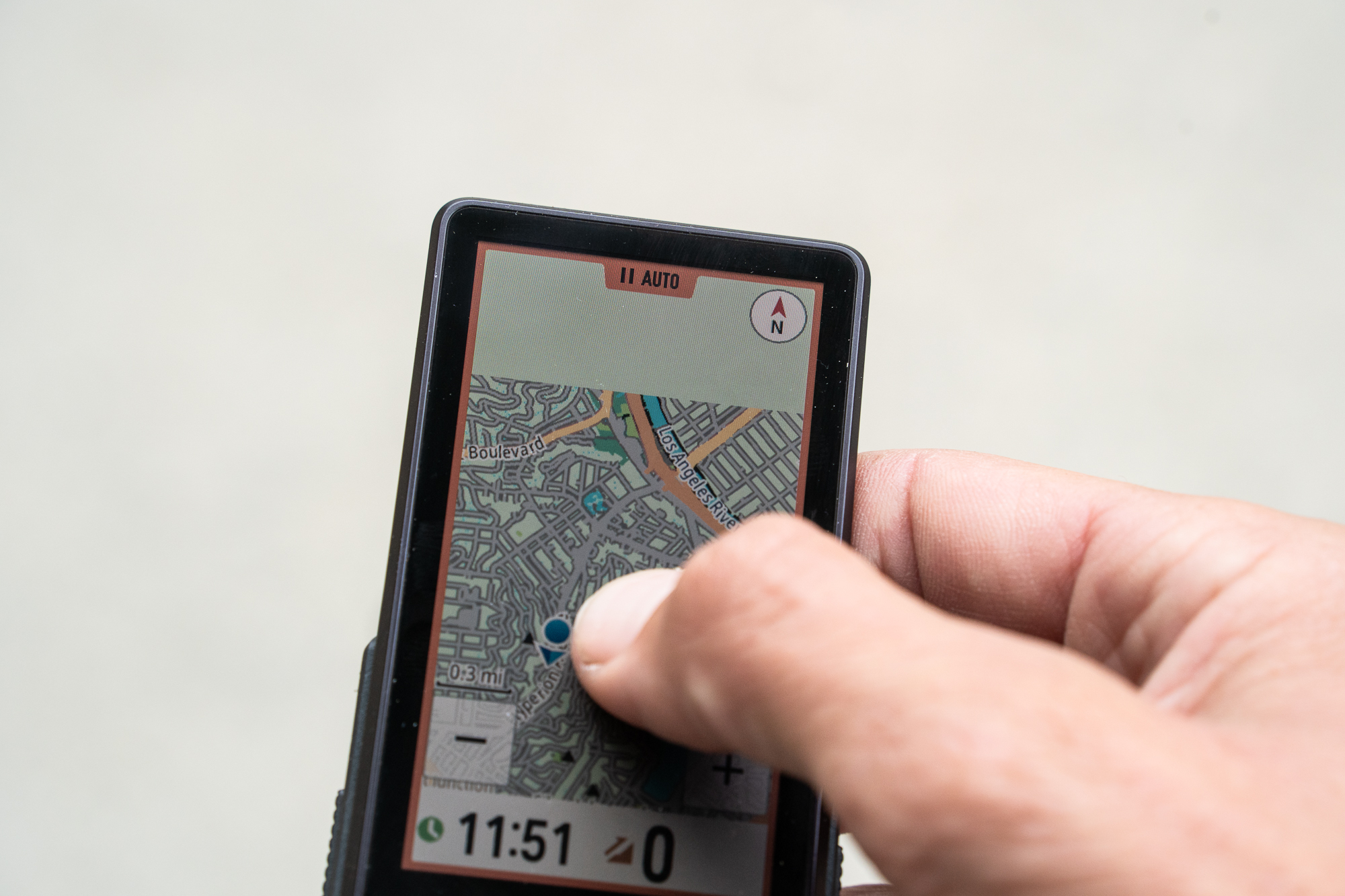
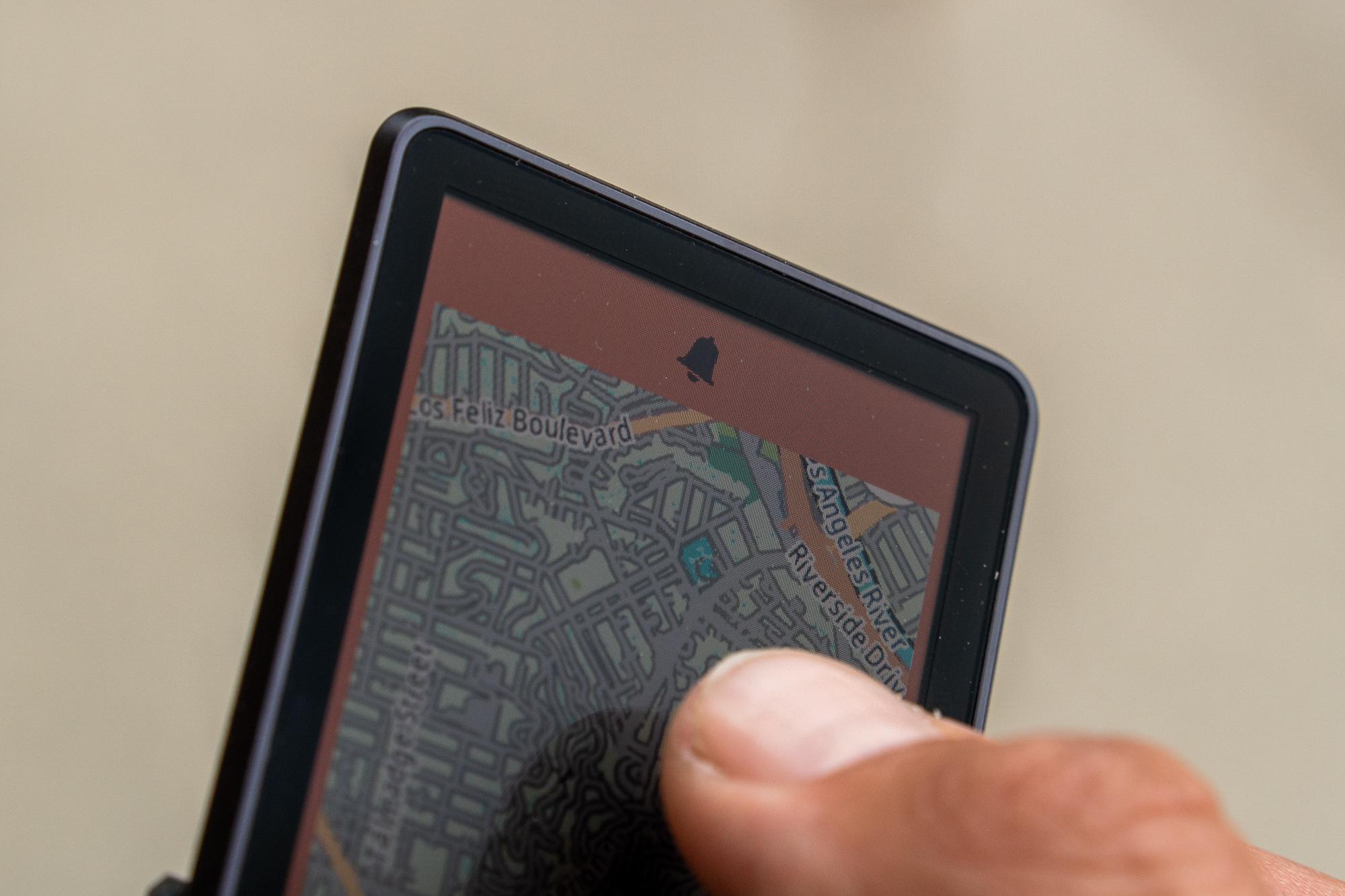
Map gestures expose the screen’s limits more clearly. Panning across the map can stutter, and moving too far or too quickly occasionally left an edge waiting to load. The on-screen plus and minus controls offer a dependable way to zoom. For the tasks a bike computer needs to handle, the responsiveness was acceptable, though the interface doesn’t match a smartphone.
A larger map and clearer ride data
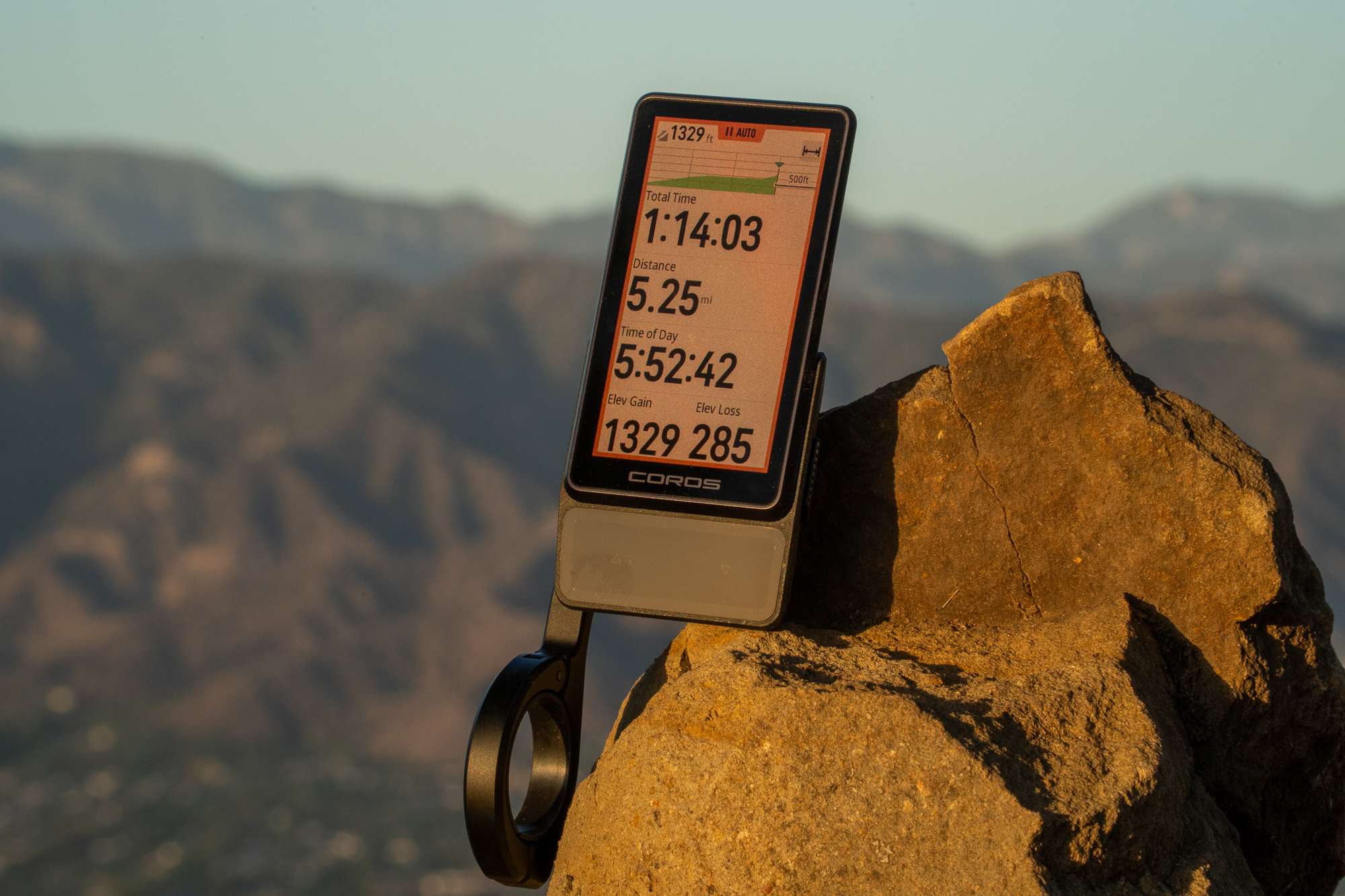
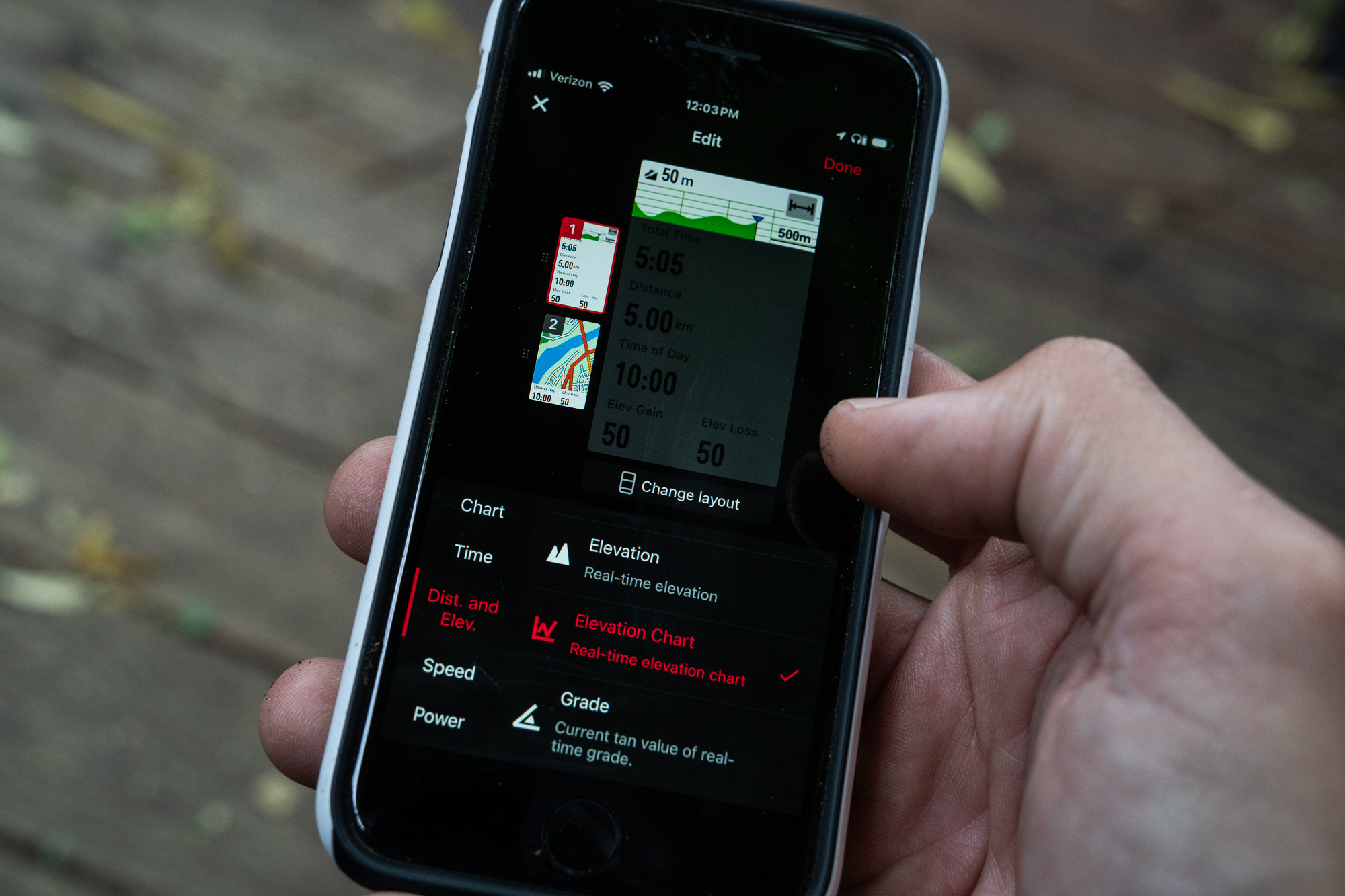
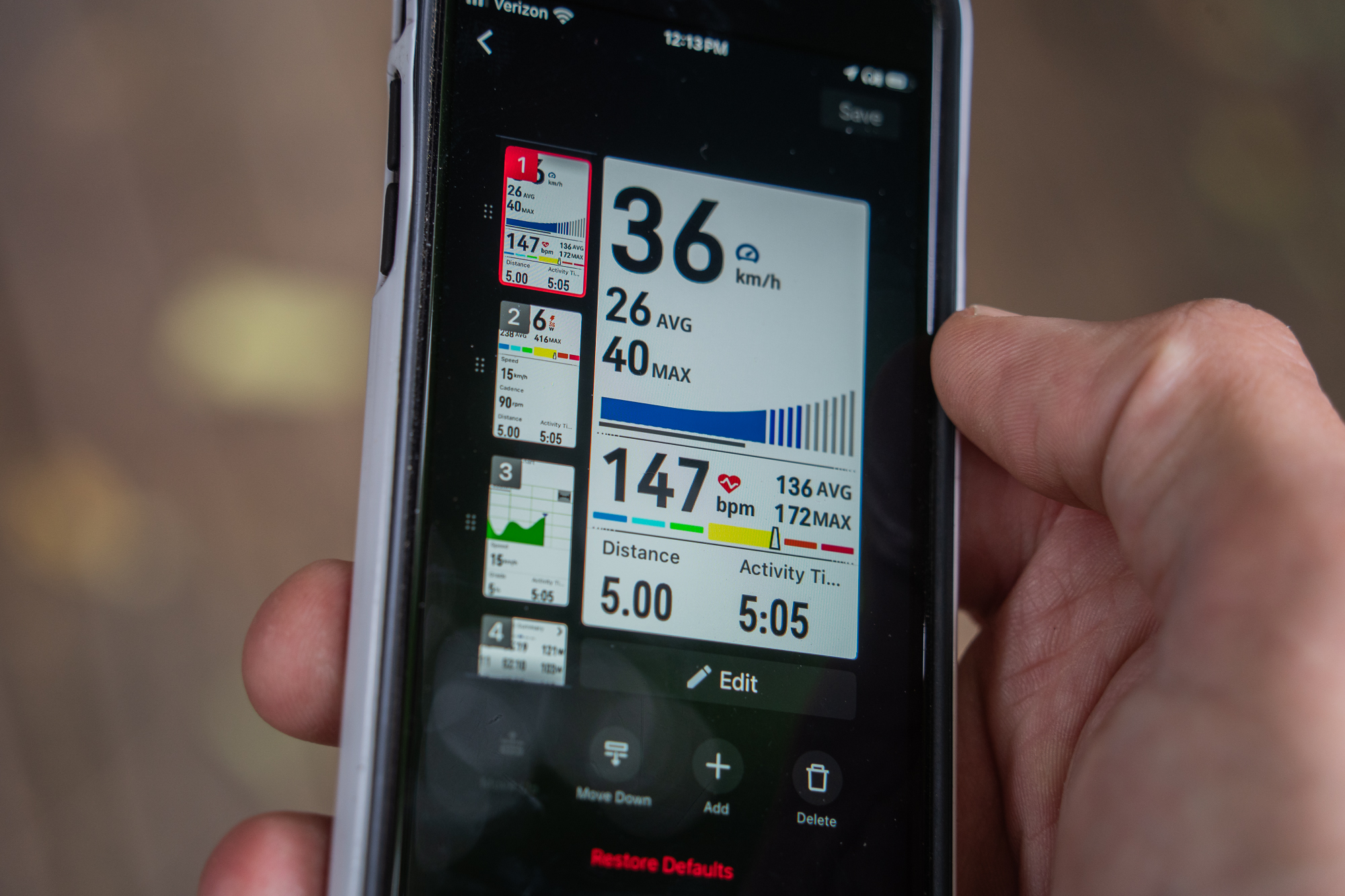
The extra screen space is useful, especially for ride metrics. One page can show elapsed time, time of day, distance, elevation gain and loss, and an elevation profile. Riders tracking heart rate, power and other measures also get more room for changing graphs and data fields. The screen isn’t as bright or vibrant as an AMOLED panel, and some colors can look alike when moving abruptly from shade into strong sun. At brightness settings of 50% or higher, the information remained easy to read during the rides described.
For navigation, the larger display could make it easier to inspect a turn or check whether a shortcut connects to the intended road or trail. The map shows street and trail names, including when the device is offline with maps downloaded. But a compass bug shared with the original Dura briefly spins the map when the rider stops. Coros has said it plans to fix the issue. Until that update arrives, the map can be disorienting while stationary; during a ride, the reviewer mostly followed the route’s blue line.
Detailed route research and searching for points of interest remain easier in the companion app. The Dura 2 is most useful for following a route and checking information while moving, not for planning a complicated change on the device itself. Fixing the orientation behavior would make the larger, higher-resolution screen more valuable for quick decisions on the road or trail.
Offline navigation is the standout
Offline rerouting is the feature that made the clearest impression in testing. If the rider leaves a planned route, the Dura 2 recalculates directions without a phone signal. It may first direct the rider back toward the original route; when that no longer makes sense, it can guide them toward an appropriate junction farther along. Trail or street names and distances to junctions update along the way.
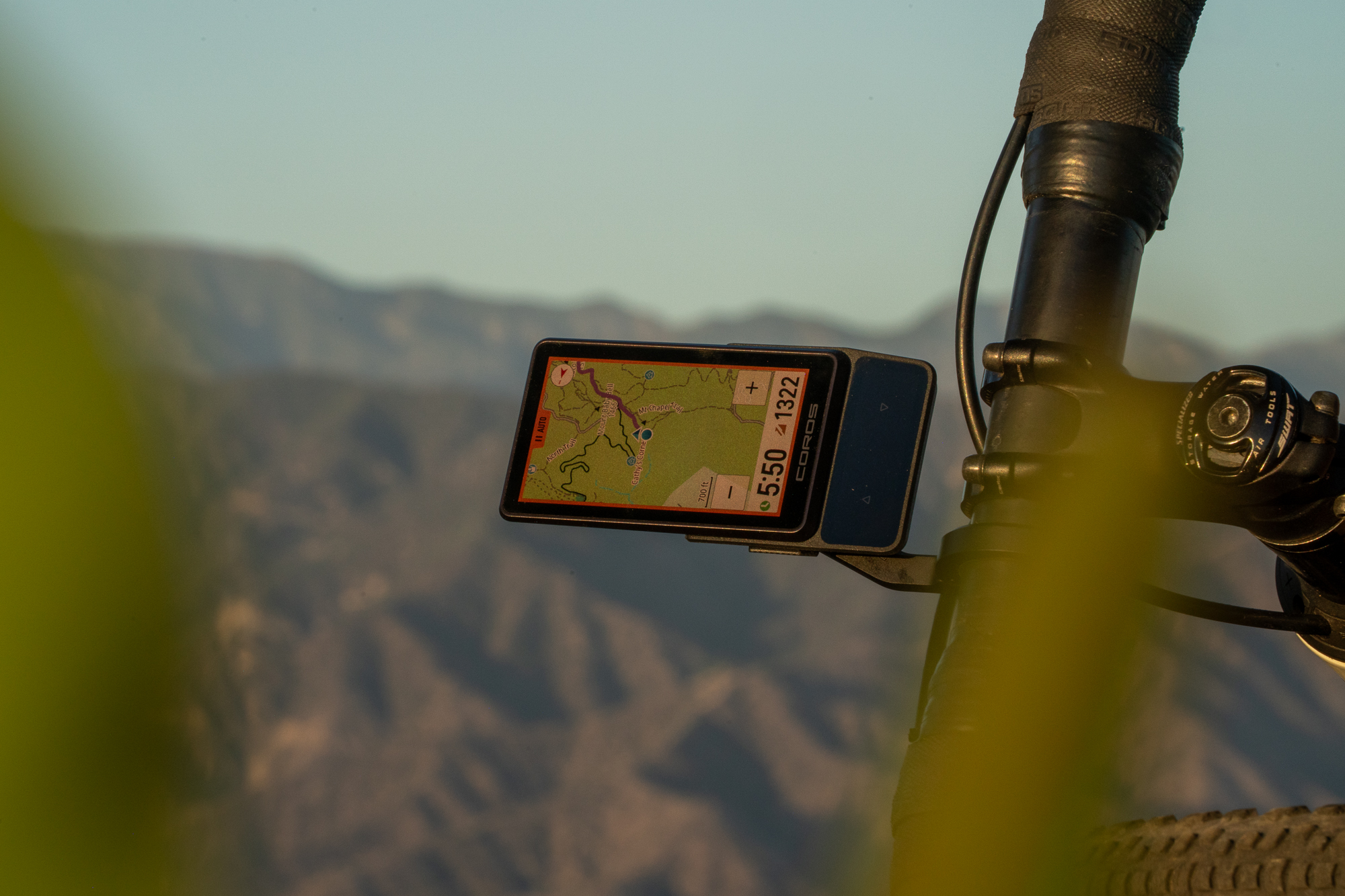
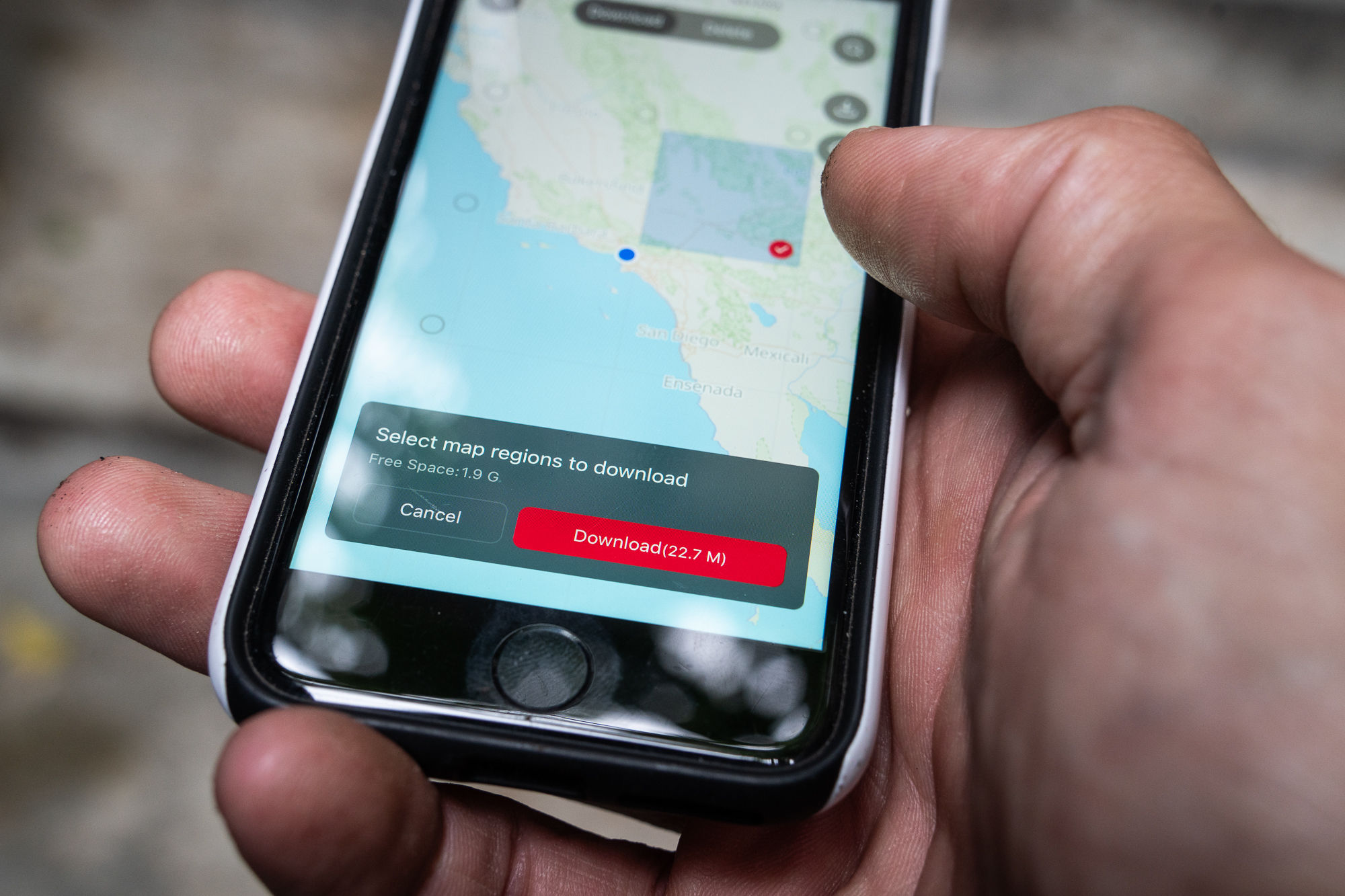
The maps are free and can be downloaded to both the device and phone. They cover roads and trails in detail while taking up relatively little storage. Media test units arrived with maps for the globe loaded and about 2 gigabytes still free from their 32 gigabytes of storage. A download covering all of Southern California used less than 100 megabytes on the reviewer’s phone.
Coros also lets riders pin a location mid-ride and save it to a library for later navigation. The company says climb alerts can appear even when a rider isn’t following a saved route, but that feature didn’t work in the reviewer’s attempts. The ability to edit data fields directly on the unit is another practical addition.
Voice control and connected gear
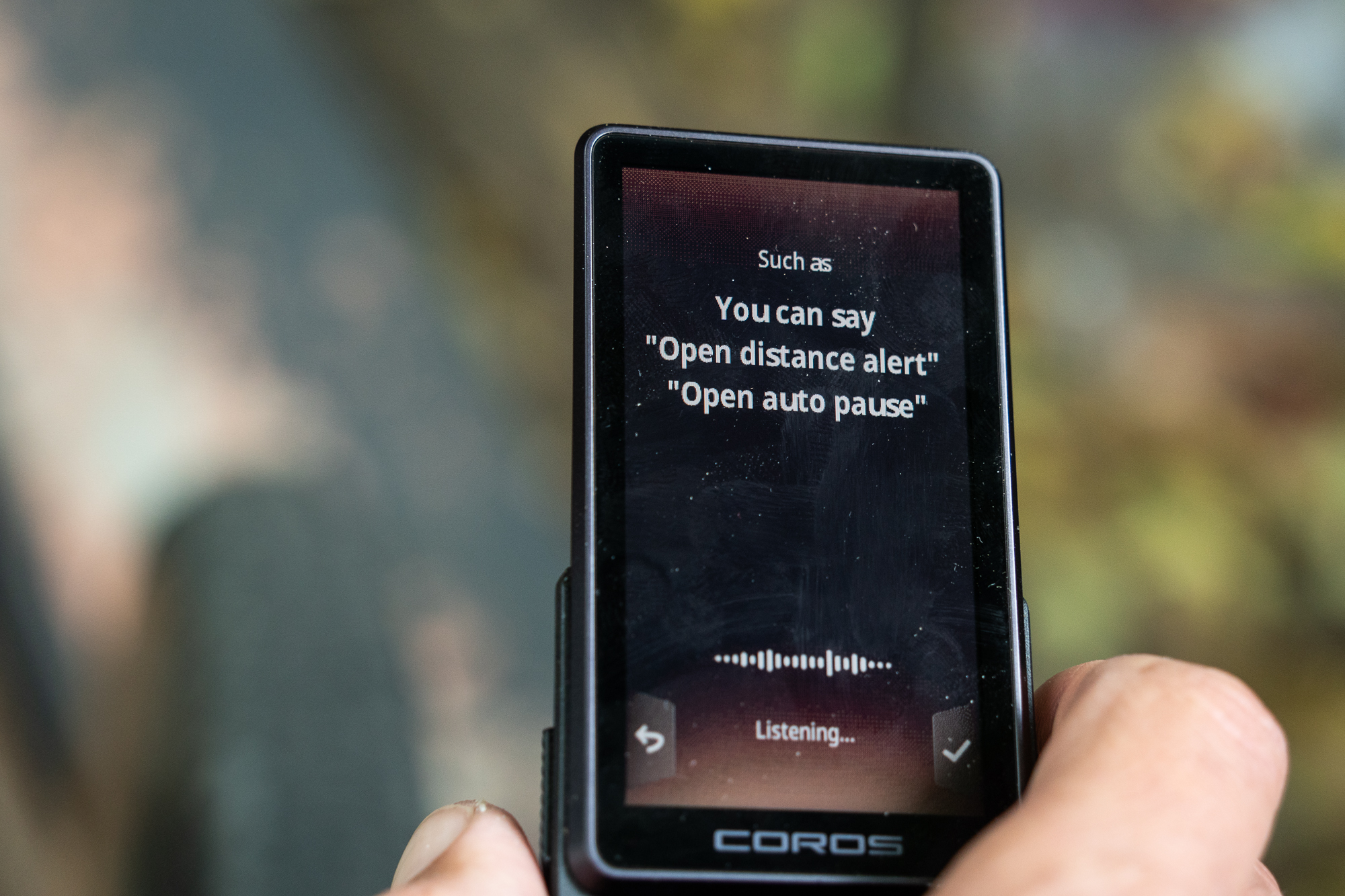
Voice control is available through a long press of the left button, with the phone paired. In early use, the command system proved inconsistent: asking to set the “backlight” to maximum returned an unsupported-command message, while asking to set “brightness” succeeded. The reviewer found few current tasks that were clearly easier by voice, and couldn’t confirm whether a spoken command could retrieve SRAM AXS drivetrain battery status.
Coros plans to add voice entry for a destination, which could make phone-based route search more convenient when riding in an unfamiliar area. The feature wasn’t available during this first-impressions period, so its usefulness remains untested. Voice commands can also set alerts for entering a particular heart-rate or power zone, a more plausible use for riders who don’t want those settings on screen throughout a ride.
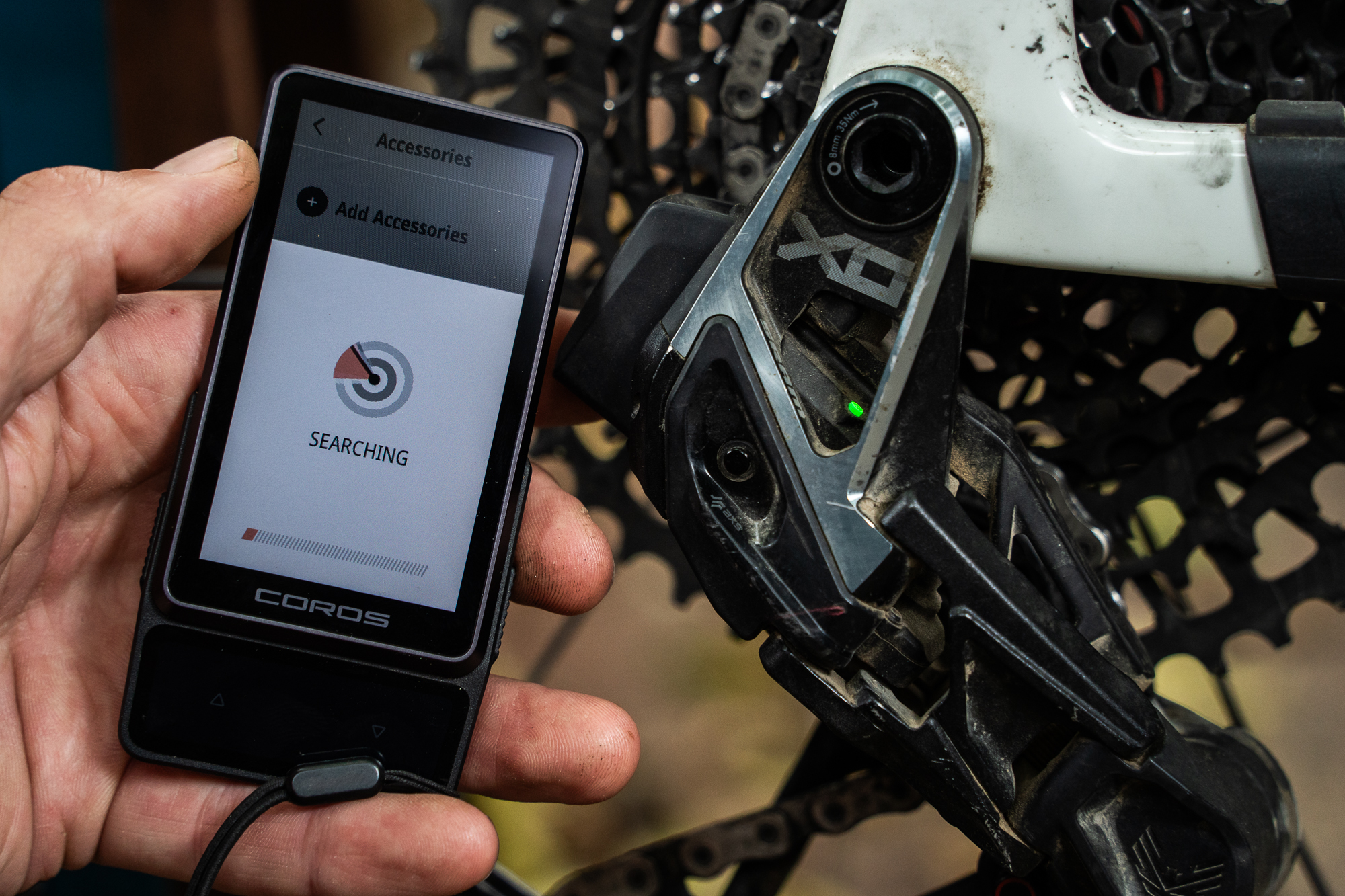
The unit pairs with biometric sensors and radar-equipped rear lights. Coros has also added tire-pressure-sensor support in a firmware update that arrived just before the review was submitted; the reviewer hadn’t had time to test it. Managing wireless bike components needs work. A rider with SRAM AXS parts across multiple bikes can’t yet group those components under separate bike profiles. Custom profiles are planned, but their effect on component tracking hasn’t been confirmed. Coros says wireless dropper-post battery status likely won’t be supported.
Training, media and planned software
The companion app is unchanged, with route search for businesses and intersections when the phone has a data connection. Its route builder includes familiar planning tools and a freehand erase control. Coros also brings its experience with fitness wearables to a deep set of training functions, though the reviewer didn’t assess those features in detail.
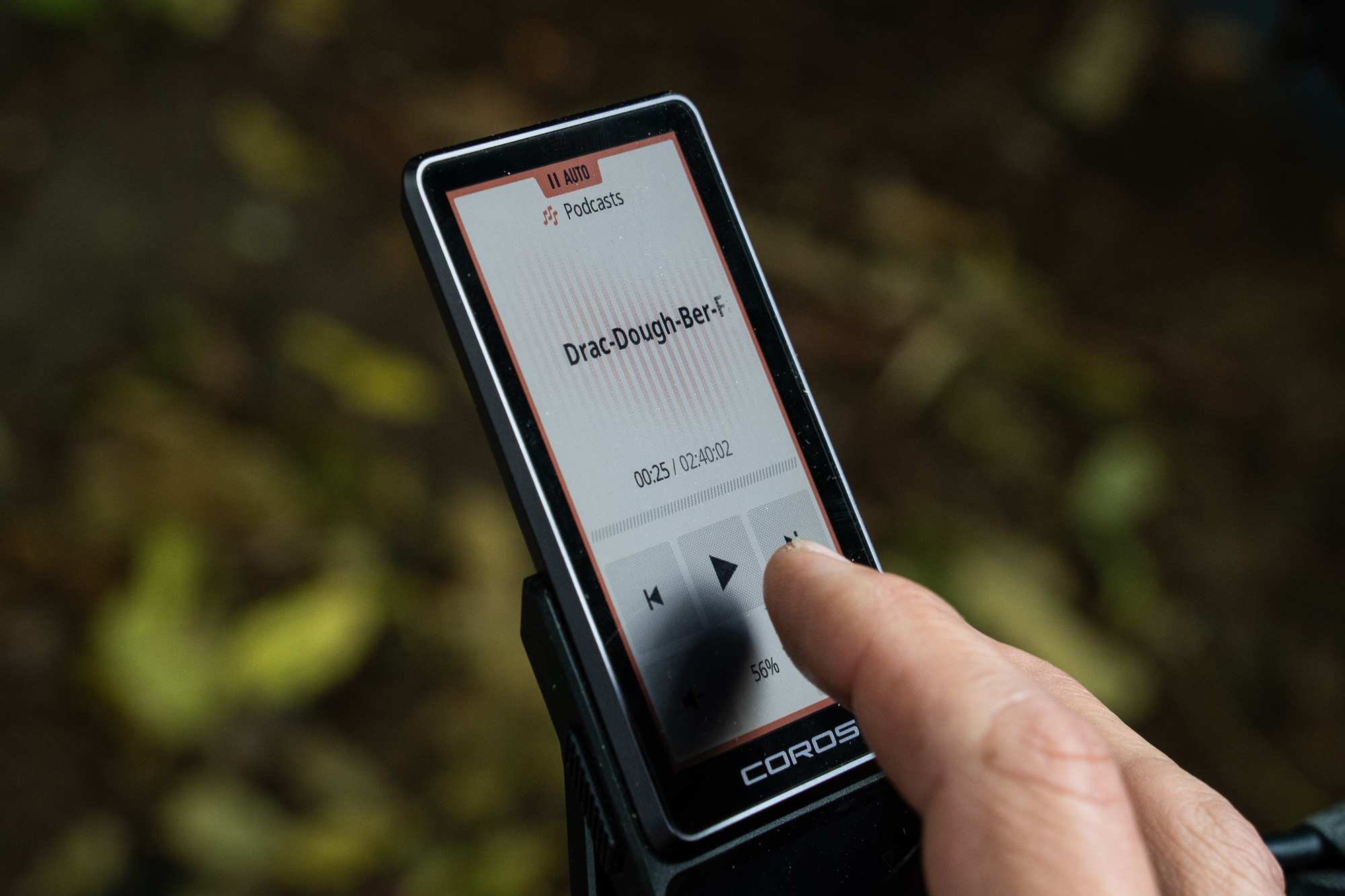
Guided workouts can now be started or paused during a ride. The Dura 2 also adds an updated FTP test and new power metrics for data pages. A swipe opens media controls for pausing, adjusting volume, changing music tracks or skipping forward in a podcast. Browsing a list of downloaded episodes isn’t available.
There’s also a digital bell with a loud, convincing sound. The reviewer would prefer to assign it to the left button, but that customization is still planned. Several useful functions are on Coros’s near-term update list: multiple custom bike profiles, spoken destination entry, more control over turn-by-turn alerts, the option to change the left button’s function, and a way to pin and save a position mid-ride.
That software roadmap shapes the verdict. The reviewer had used the device for about a week and a half, enough time to judge its controls, display and basic operation, but not to assess features due in later updates. A firmware release appeared just before submission, adding tire-pressure support and an improved activity-settings page. Other updates and fixes are still to come, and the reviewer plans to return with a fuller assessment.
Build and mounting
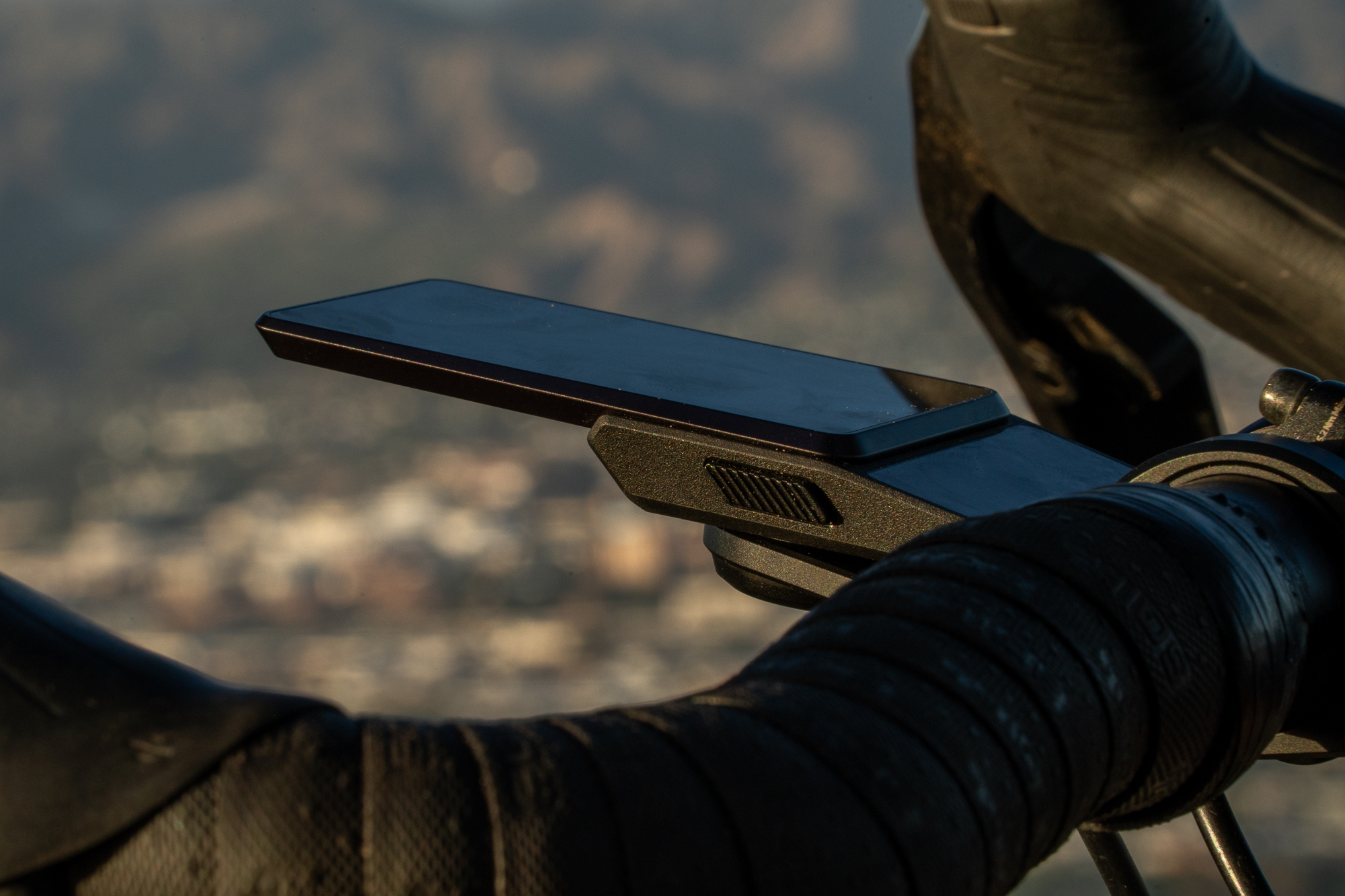
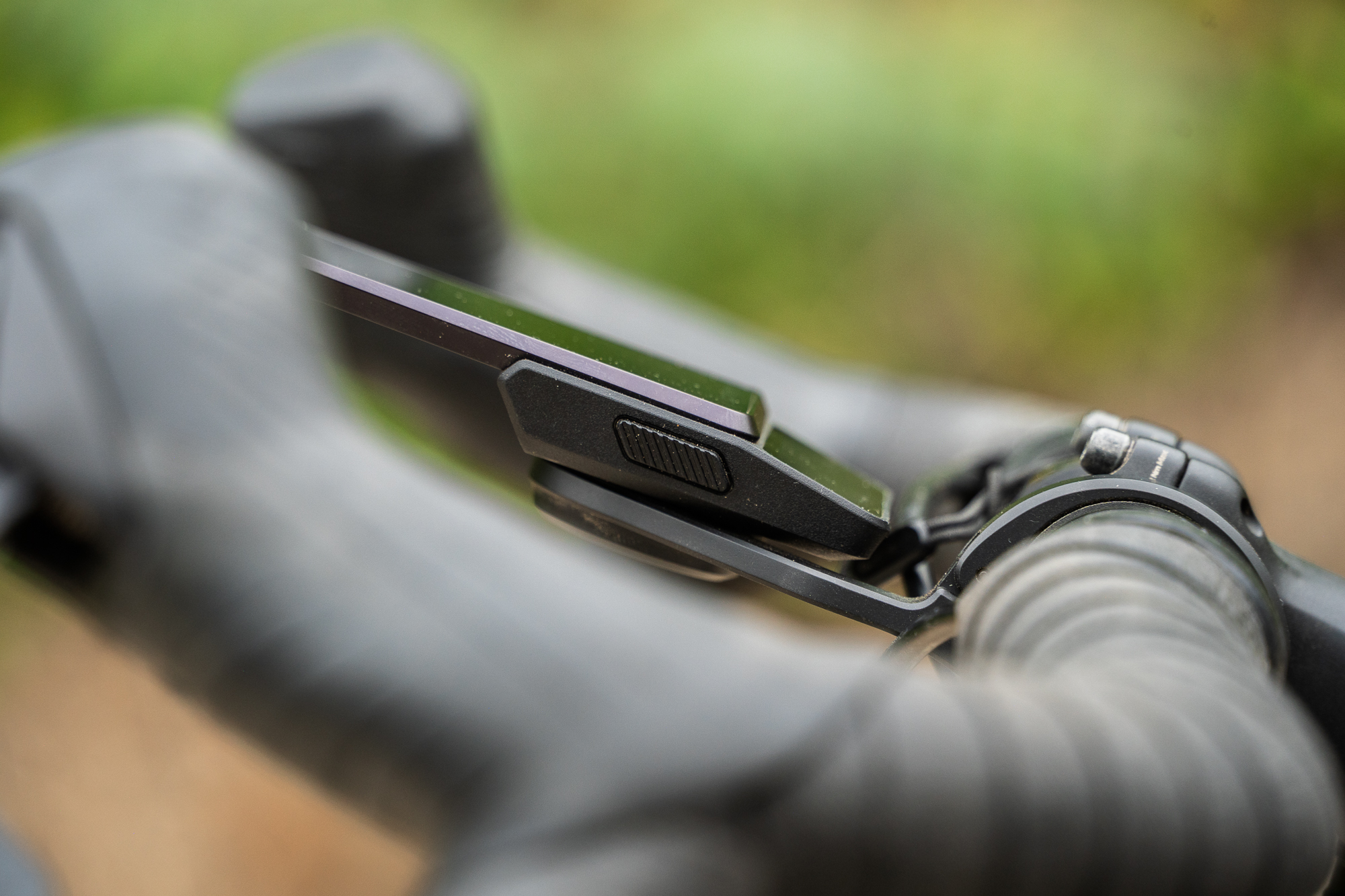
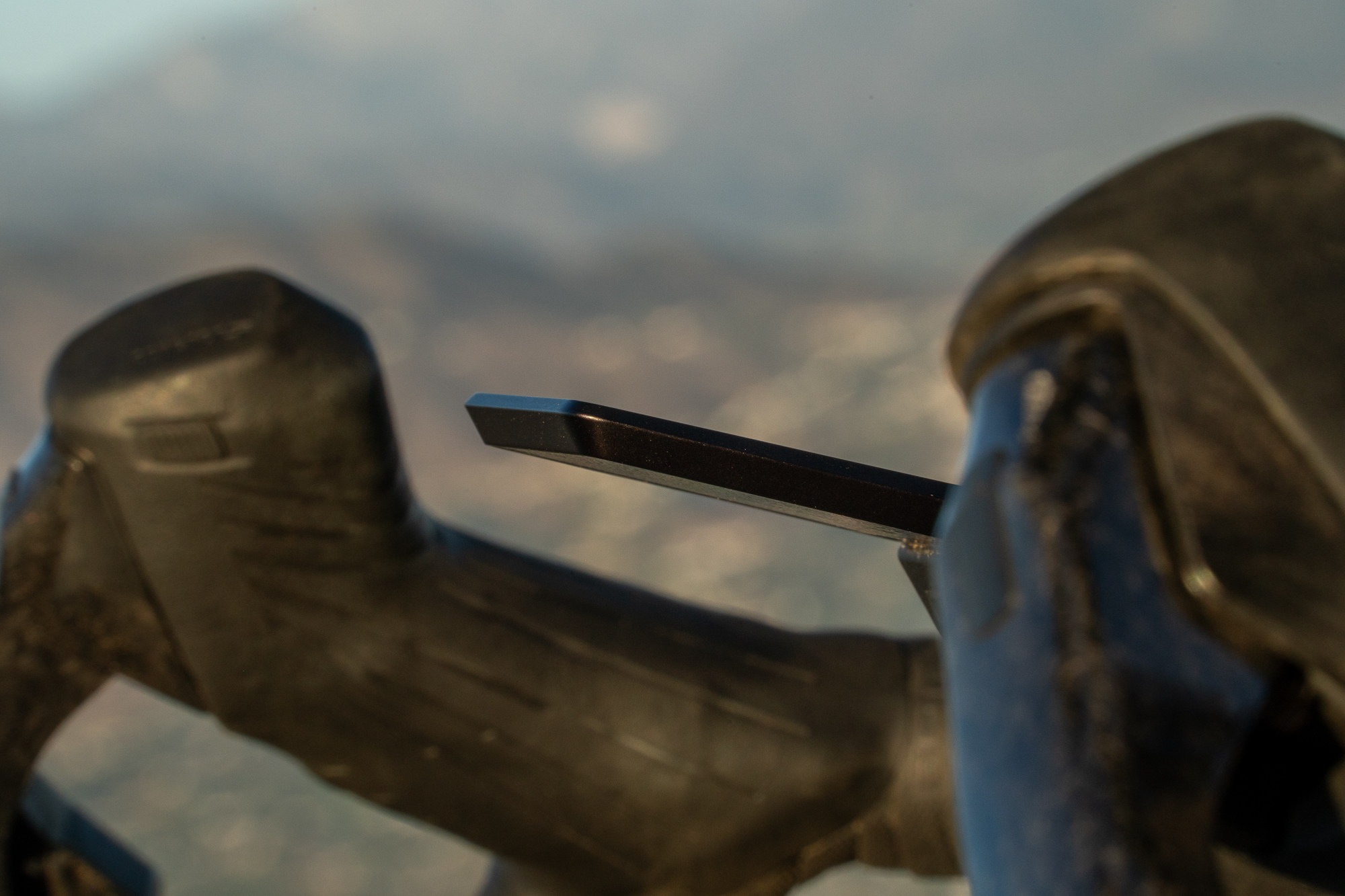
The Dura 2 is available with or without a handlebar mount. The included alloy mount has a slim profile, but its 2.5-millimeter hex bolt didn’t suit the reviewer, who preferred the 3-millimeter hardware on existing Garmin-style mounts. A locking mechanism is designed to help secure the computer, but it was accidentally engaged after the unit had been removed. Disengaging it required a SIM-card removal pin, which the reviewer didn’t have on hand; the ride home continued with the device in a pocket. Another reviewer encountered the same mishap.
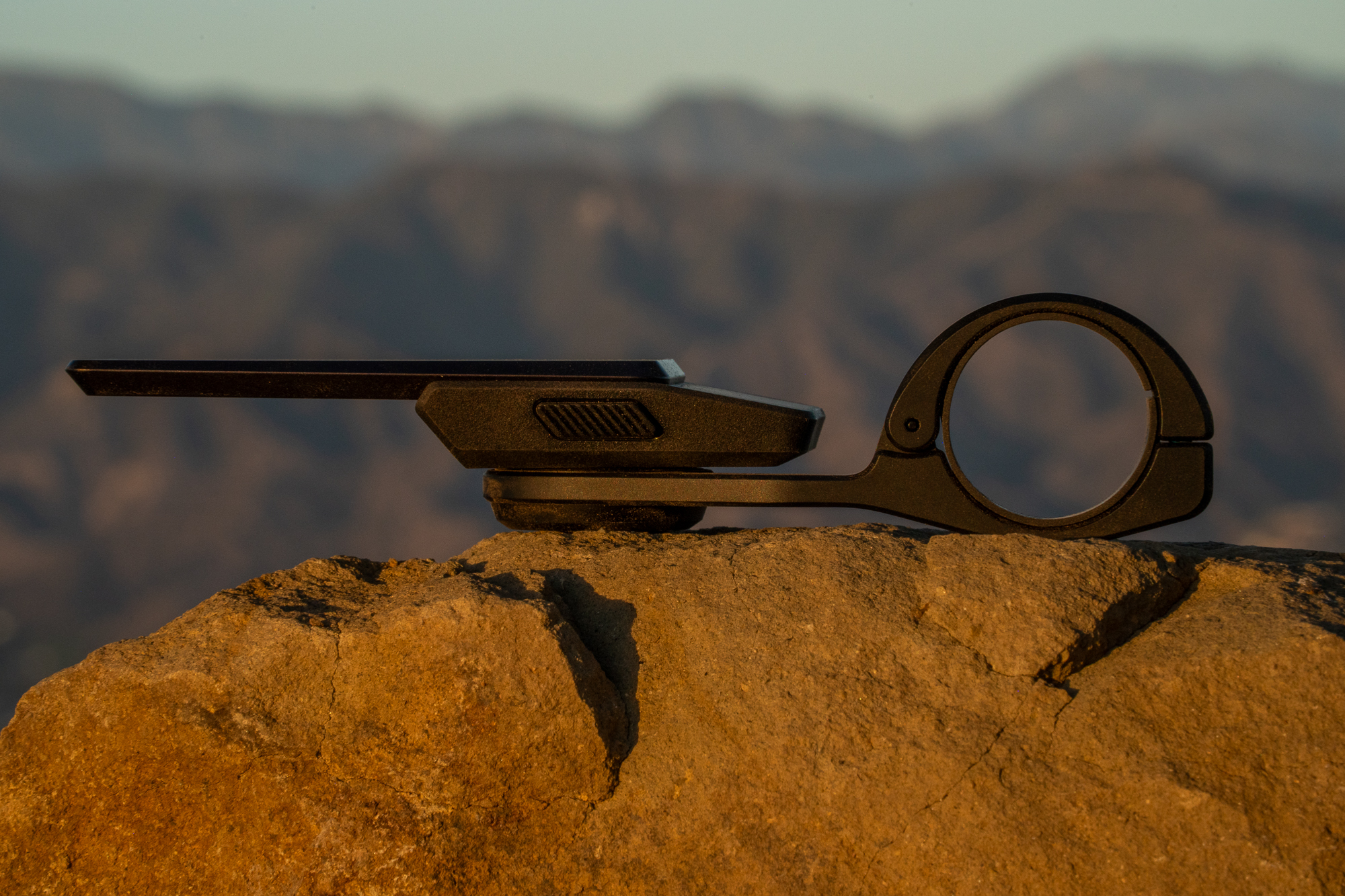
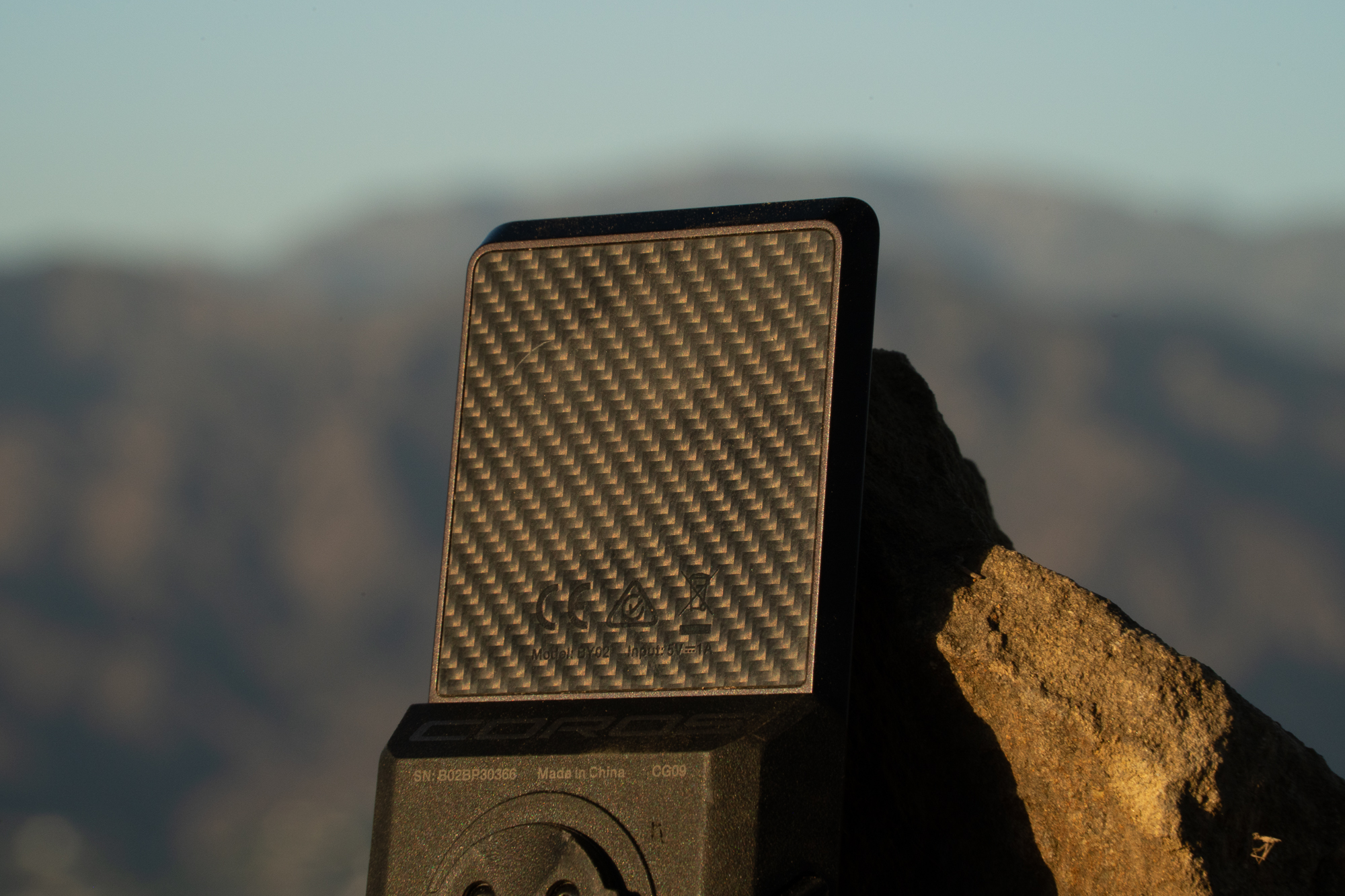
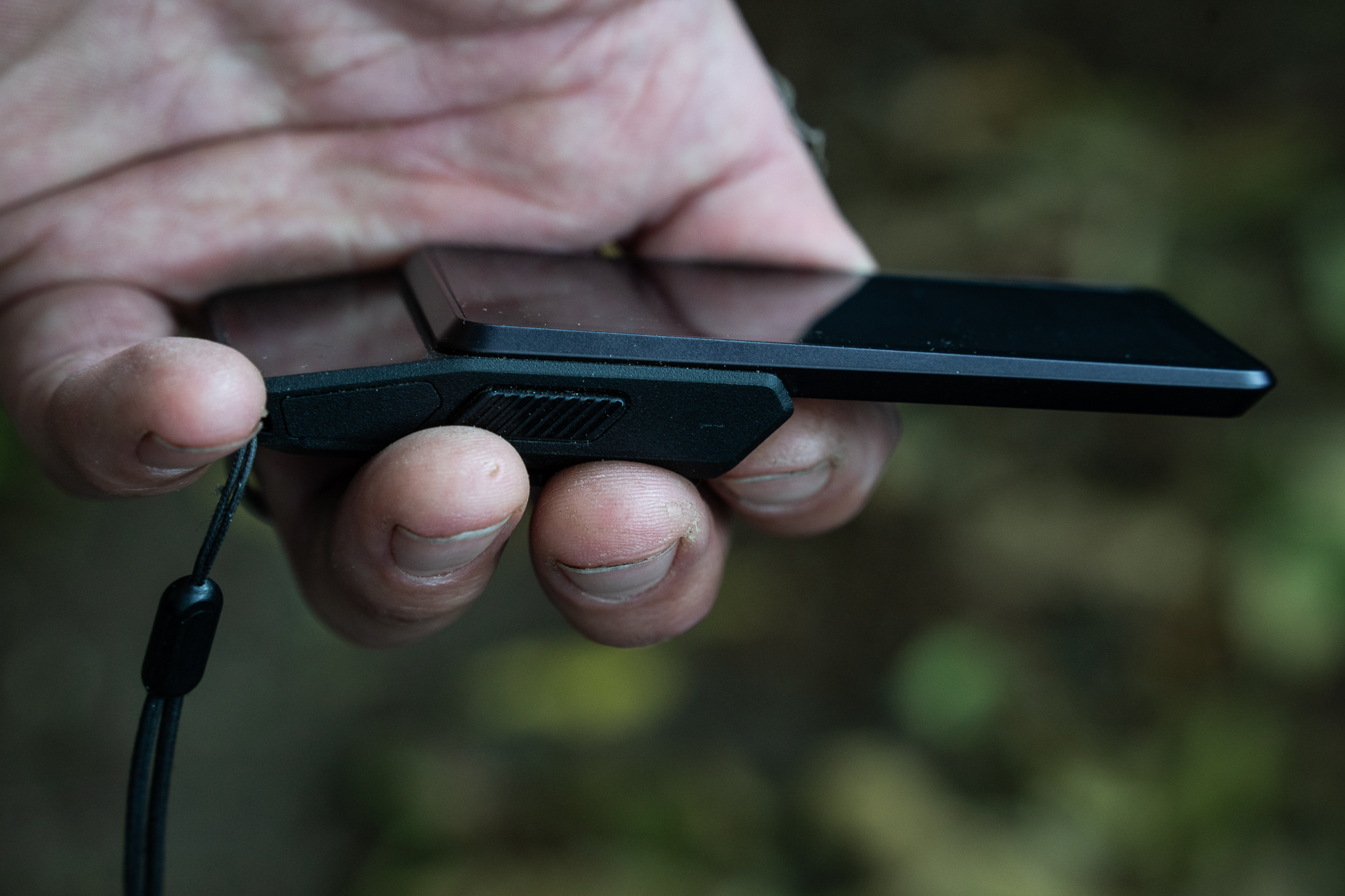
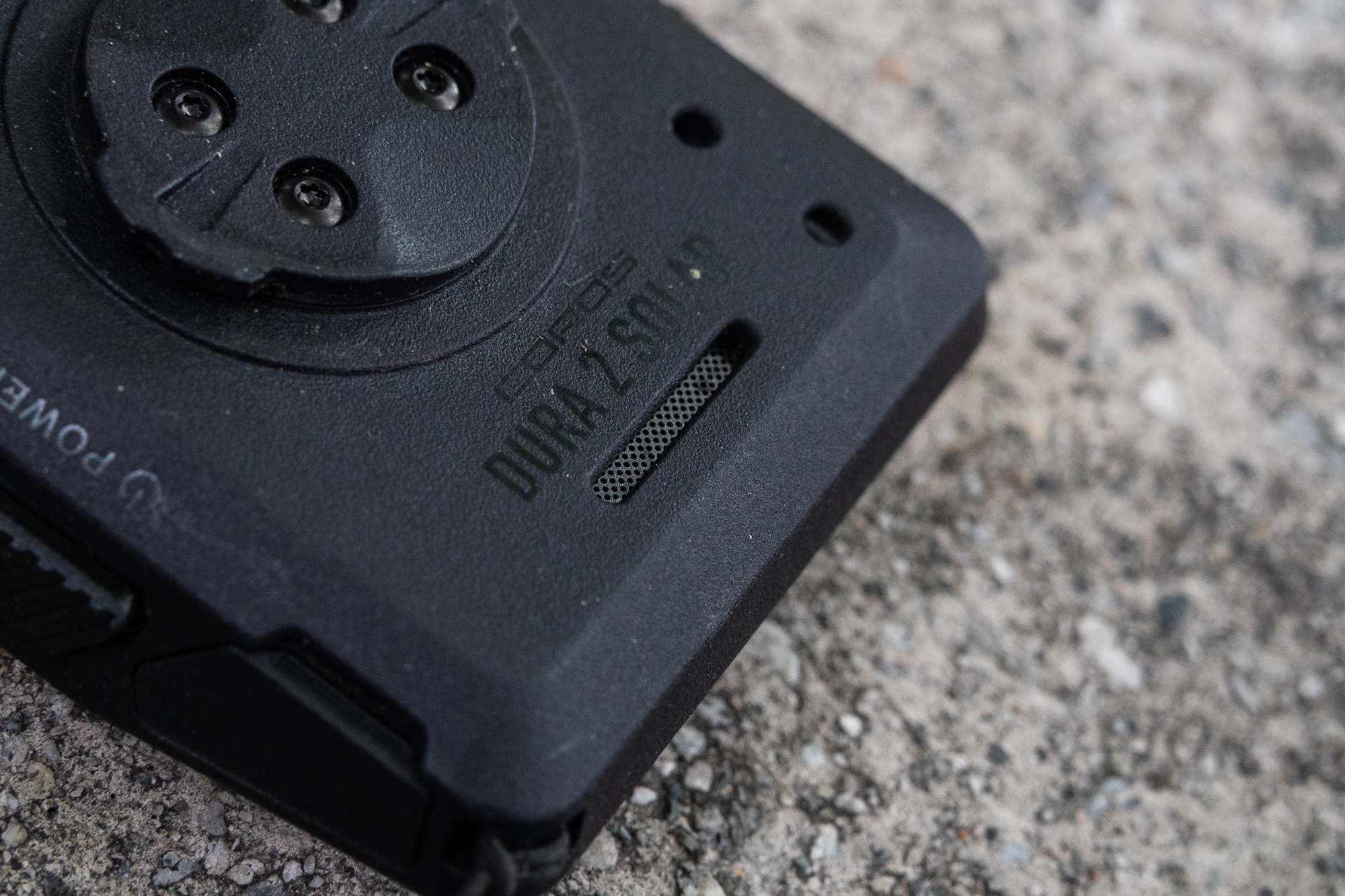
The computer itself makes a stronger design impression. Its aluminum frame helps keep the body thin, while a carbon-fiber backplate and stepped shape give the 100-gram device a refined feel. On the bike, much of its mass sits close to the mount; off the bike, the shape is comfortable to hold. The hardware feels carefully considered, even if the mount’s small bolt and locking mechanism may take some getting used to.
Price and value
The Dura 2 is a better user experience than the original, with a larger display, more capable navigation and a design that retains exceptional claimed battery life. For multi-day riding, that combination is compelling. At $499 without a mount or $549 with the alloy mount, though, it costs more than twice as much as the original Dura Solar’s $250 launch price. The earlier model has been discontinued, so riders can’t choose it as a lower-cost alternative in Coros’s current lineup.
Coros CEO Lewis Wu told the reviewer that rising hardware costs had affected GPS devices less than some other technology products, with only a marginal difference per unit and no direct price increases across Coros products. He described the move upmarket as a response to demand for a premium bike computer suited to high-end bikes, and cited the investment in materials, engineering and design behind the Dura 2.
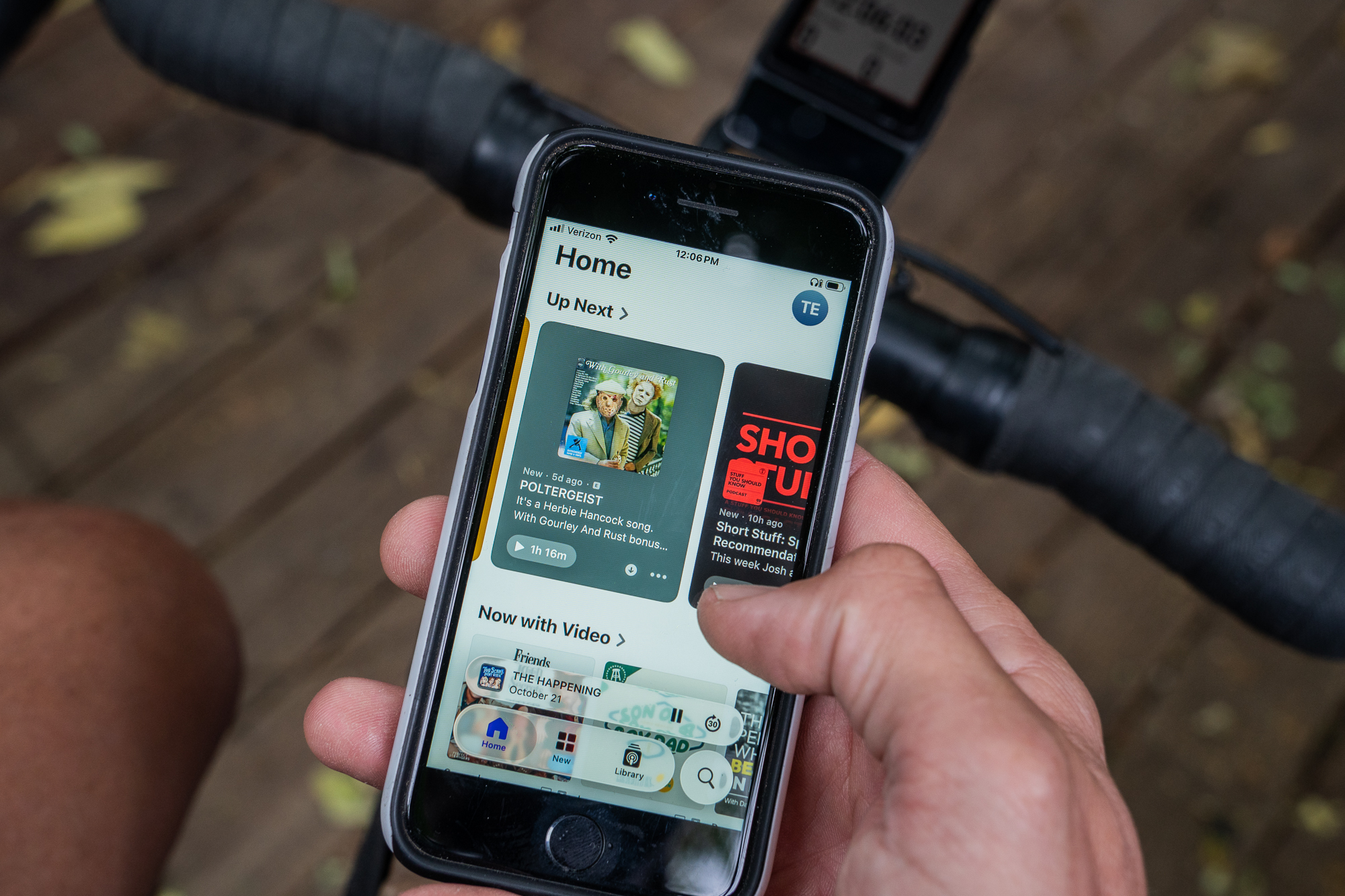
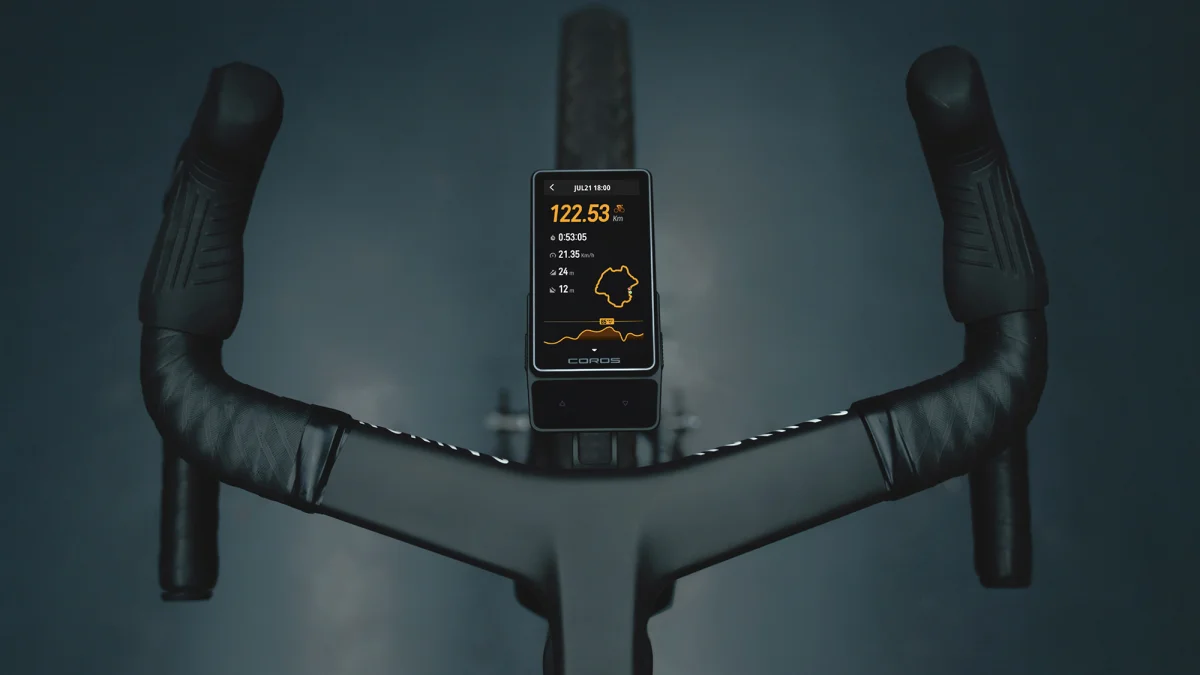
Photo: Coros
The reviewer sees the new pricing as a meaningful shift in what riders can expect from a dedicated computer. A smartphone can run a wide range of apps, but a cycling unit can combine navigation, ride data and long runtime in a package designed for use on the bike. Wu said Coros weighs each feature against its battery cost and doesn’t plan to charge extra for software functions. That focus helps explain why the Dura 2’s feature set remains narrower than a phone’s, while its endurance suits long rides.
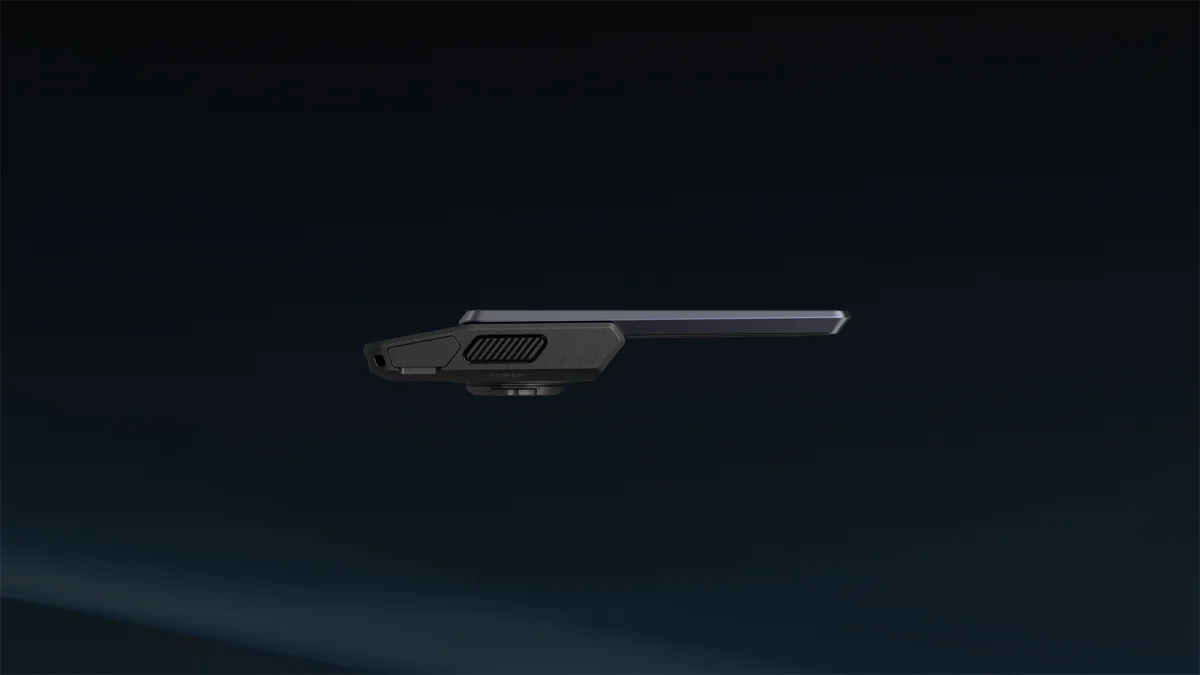
Photo: Coros
There’s room for the software to grow, and Coros’s updates improved the original Dura after its launch. The Dura 2’s hardware gives the company time to add more capabilities, but future features don’t erase the current price or the bugs riders encounter today. Its strongest case is already clear: a compact, 100-gram computer with a generous screen, free offline maps and excellent rerouting, backed by battery claims suited to multi-day trips. A final recommendation will depend on how quickly Coros delivers the promised updates and resolves the map issue.
- Strengths include long claimed battery life, a large readable display, physical controls, free downloadable maps, offline rerouting, route planning, pinned destinations and extensive training tools.
- The main drawback is that several promised features and fixes were still pending during this first test.
Device-only price: $499. With alloy mount: $549. The mount is also sold separately for $79, in 25.4–31.8-millimeter clamp or two-bolt out-front versions. The source lists Tuesday, November 3rd as the purchase date.
See more at Coros.
The post Coros Dura 2 Solar GPS First Impressions: Stay Tuned appeared first on The Radavist.